

.svg)

Access SCOUT Search
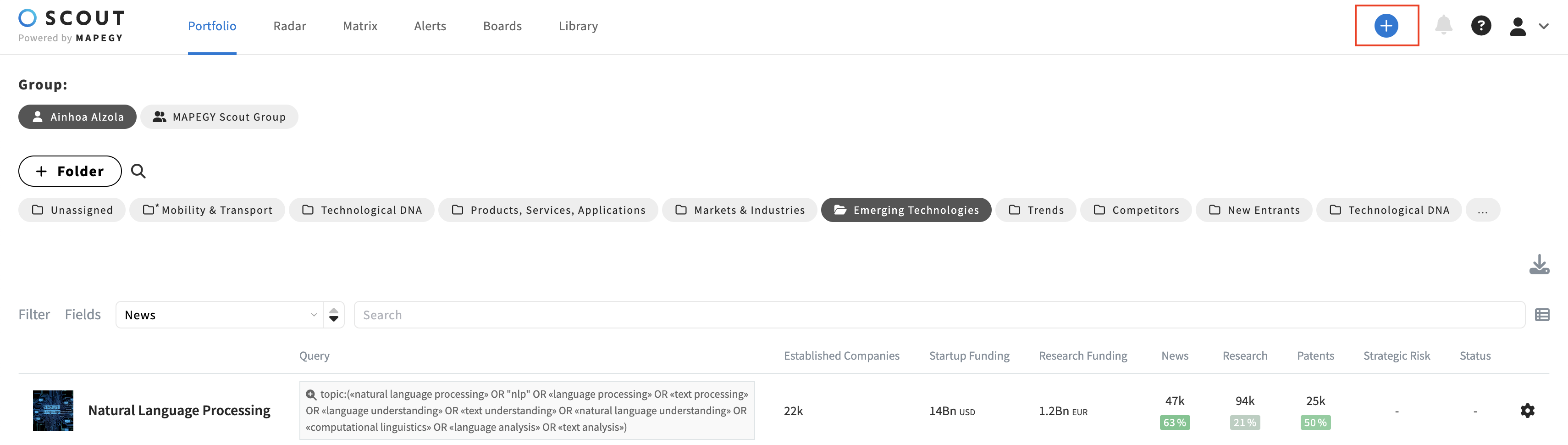
+ button
When you click the + button on the SCOUT menu, you are redirected to the Search page.
Learn more about how to use it here.
Use the SCOUT Assistant
You can also interact with your data using the SCOUT Assistant, a conversational AI interface designed to help you query the Innovation Graph, uncover insights, and generate automatic reports, tables, or projects through natural language.
Learn more about how to use the SCOUT Assistant here.
Inside a SCOUT Project
Each SCOUT project page has its own dedicated search query. Note that every project page can have a unique search query. Meaning, one single project may contain different searches.
Below the project page title and description, you will see the applied search.
Check out this article to learn how to edit your project queries.

Launching a Project query to the SCOUT Hub
You can explore a saved query in the broader SCOUT Hub. Simply click on the saved search query from your Portfolio or Project page.
This launches the query to the SCOUT Hub, showing wider results.
Note: Any edits made in the SCOUT Hub after launching this way will not be saved to the original project.
