

.svg)

Save searches into Projects
To keep your research organized, you can save any search query directly to your Portfolio.
Queries can be stored in a new or existing project with just a few clicks. This helps you track developments, revisit searches later, and build structured intelligence over time.
If you’d like to edit a project query, please refer to this article.
Save a query
- Navigate to the Search Hub, and launch your search.
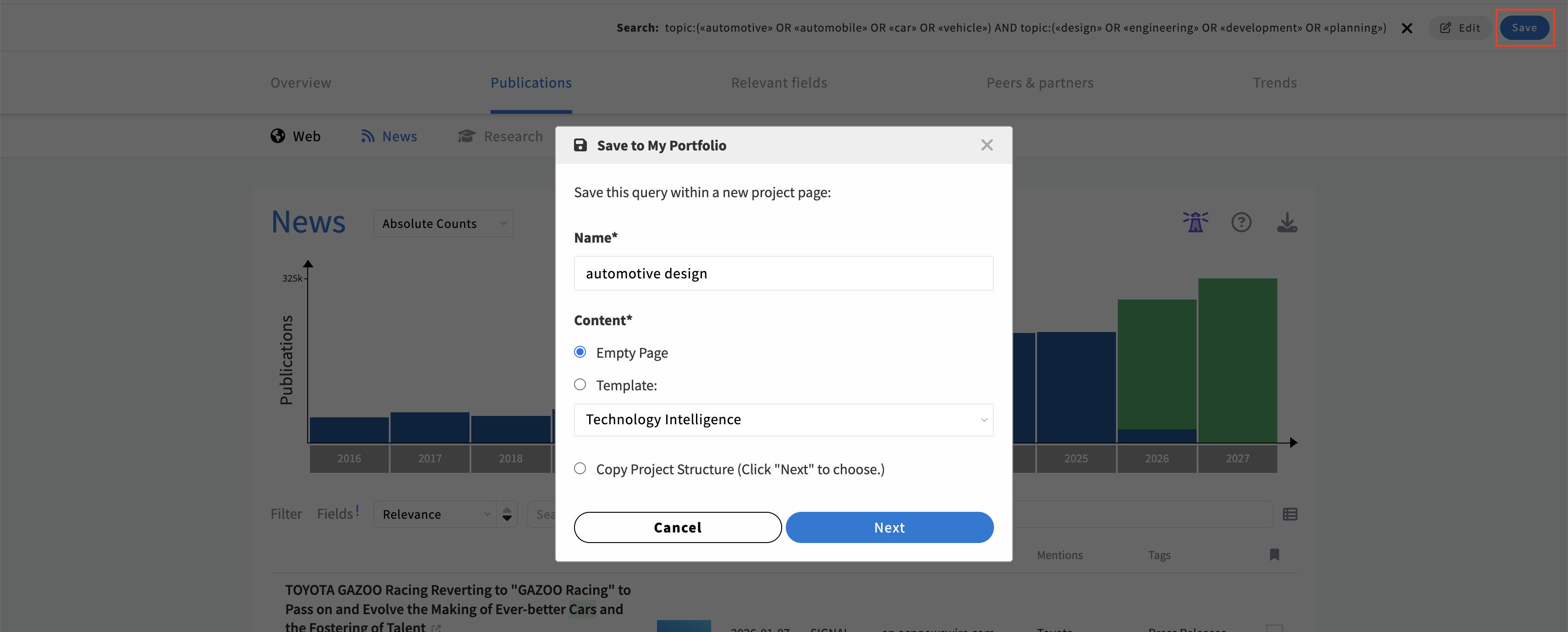
- Once you're satisfied with your query, click on the Save button to begin creating your project.
- SCOUT suggests a name for your Project based on the query. You can leave it as-is or provide a custom name.
- Choose a template or use case for your Project. Each option includes a predefined set of panels with rankings and visualizations to guide you. However, you can add and remove panels at your convenience.
- Select a folder where you want to save your Project.
- If you want to add the search to an existing Project page, click on Configure and select the appropriate page.
- Finalize your Project setup by clicking Create.
Related articles